


 +91-9696969696

Quick Learn
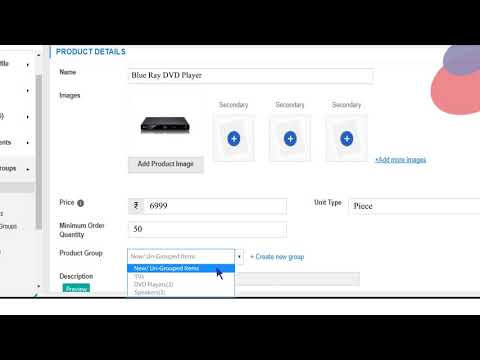
How to add a product?
Here you will learn about:
How to add a product to your catalog on the seller panel, seller.indiamart.com

How to delete a product?
Here you will learn to:
How to delete a product from your IndiaMART catalog. This will help you maintain a clean catalog without products that you don’t sell anymore

How to add or change company logo?
Here you will learn about:
How to add or change company logo on IndiaMART seller panel. Adding company logo enhances your catalog and helps in attracting more buyers
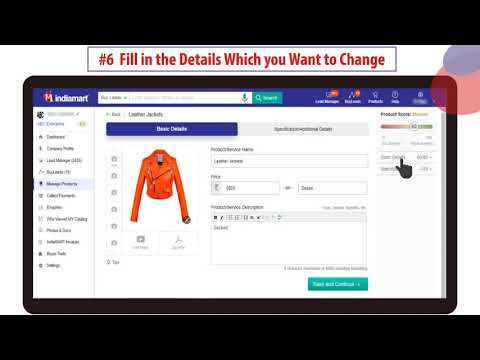
How to edit product details?
Here you will learn about:
How to edit and update details and specifications of your products to always keep your IndiaMART catalog updated

How to edit PNS details?
Here you will learn about:
How to update Preferred Number Service (PNS) details on your IndiaMART seller panel. You can map and unmap contact numbers to your assigned virtual number. You can also set timings for receiving buyer calls on these mapped contact numbers
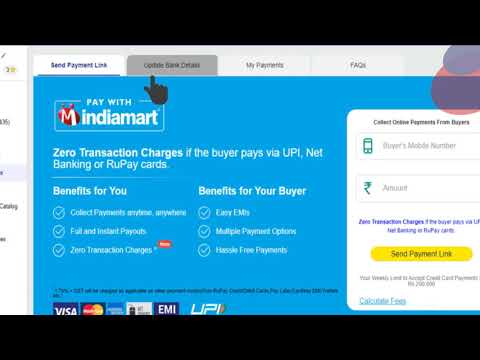
How to submit bank details?
Here you will learn about:
How to submit your bank account details on IndiaMART seller panel for easy and instant payment collection through Pay with IndiaMART
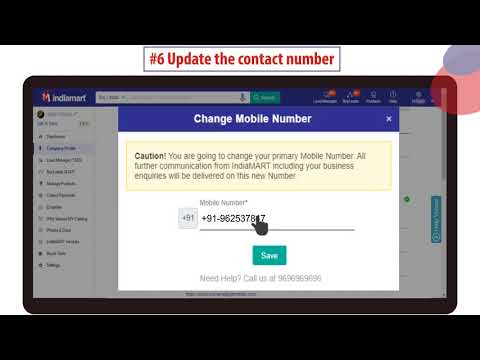
How to update contact details?
Here you will learn about:
How to easily update your contact number on your seller panel
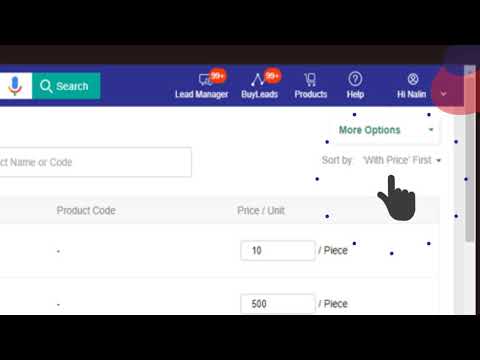
How to update prices in bulk?
Here you will learn about:
How to update product prices in bulk on your IndiaMART seller panel
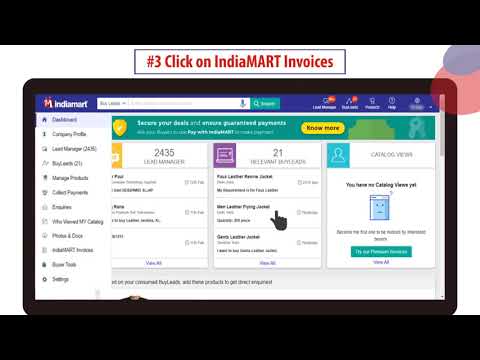
How to download invoice?
Here you will learn about:
How to download IndiaMART invoice from your seller panel

Who is a verified supplier on IndiaMART?
Here you will learn about:
About the simple steps to be taken, that will help you become a verified supplier on IndiaMART

What are BuyLeads?
Here you will learn about:
How BuyLeads are important source of business on IndiaMART and how by using BuyLeads you can contact new buyers proactively instead of waiting for them to call you

What is product score?
Here you will learn about:
The meaning of product score for your IndiaMART catalog, why is it important and how you can boost your product score, thereby, bring in more buyers